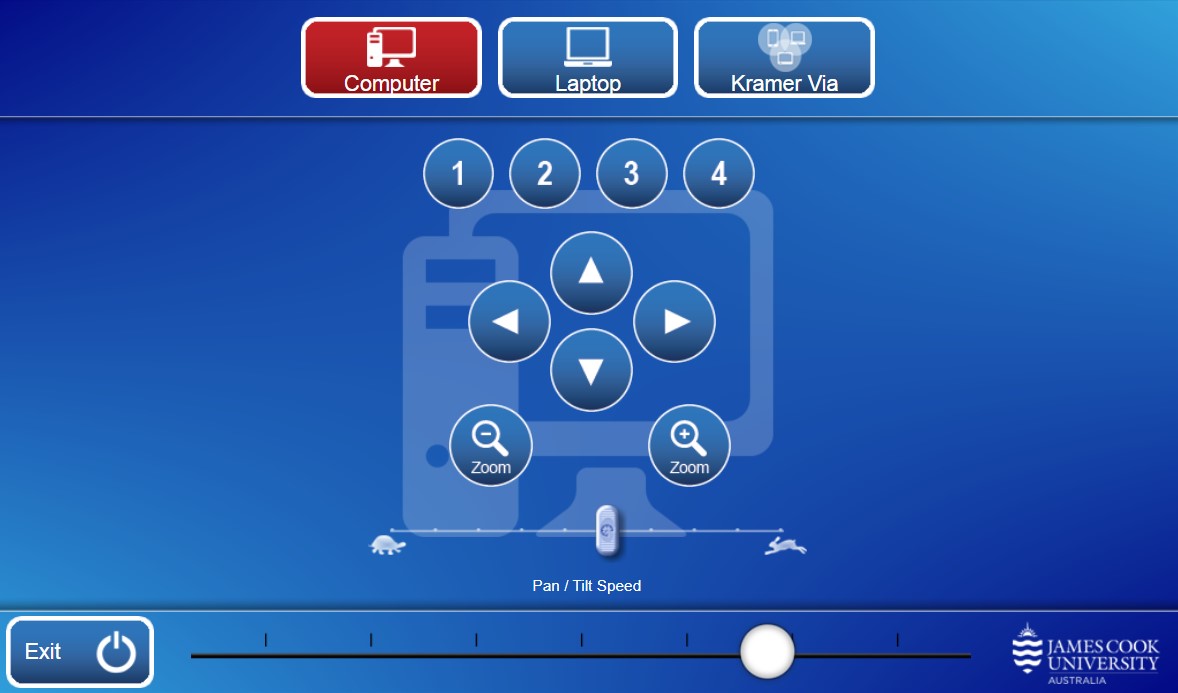
Multipurpose camera control - pan, tilt, zoom and presets
Exit - turn off the AV system
Presentation
Computer - show the PC
Laptop - show laptop connected by cable
Kramer Via - show the instructions for how to connect a BYOD (wireless laptop, tablet, smart phone) to the AV system. Take note of the Room Name (IP address) and Code shown. Peruse this guide for further instructions on how to connect.
Audio - touch and slide the round button to adjust the volume