
Cinema
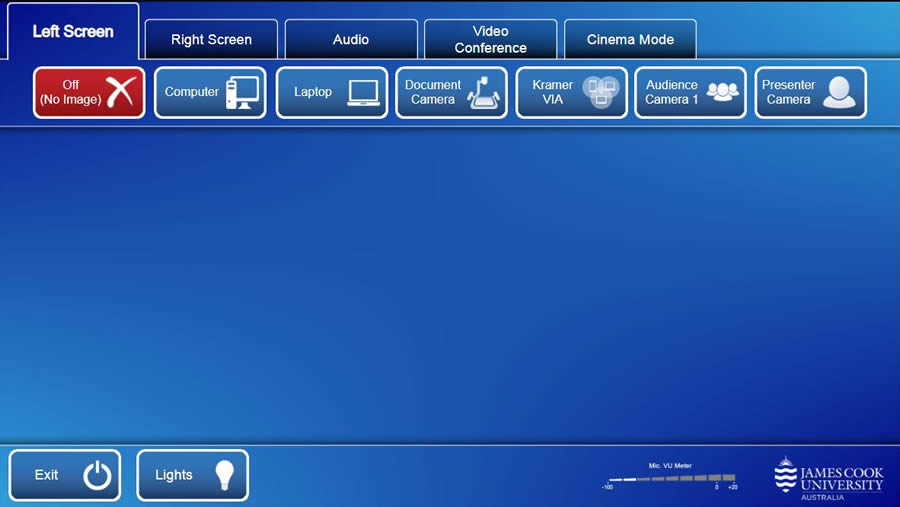
Touch the Cinema Mode tab
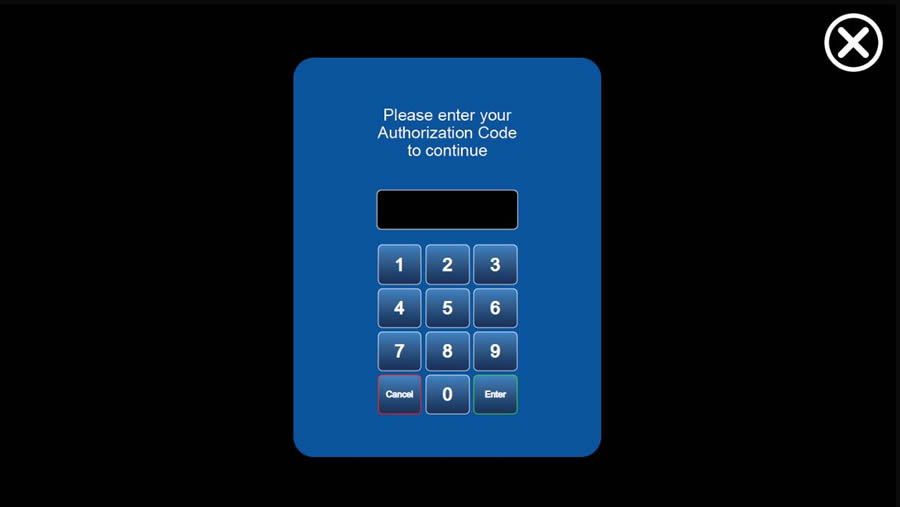
Enter the Authorization Code (available by contacting VAVS) and touch the Enter key
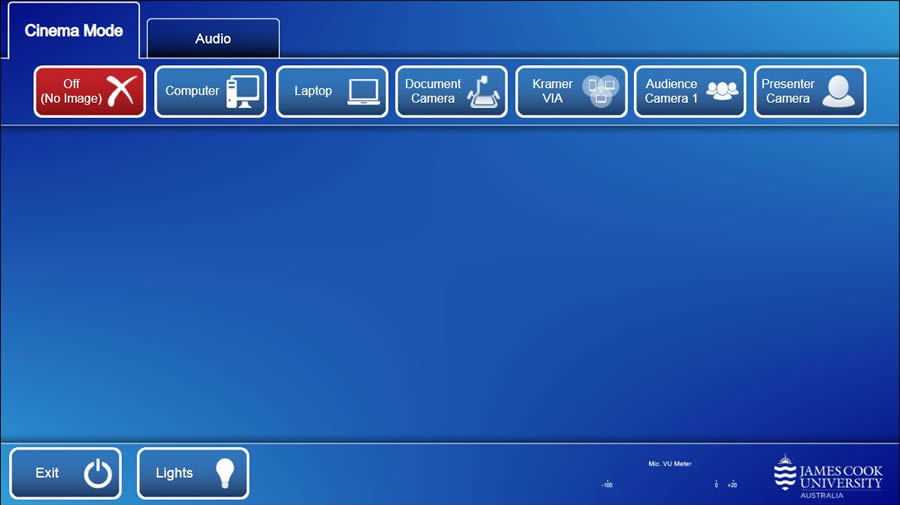
The film is best played back using VLC available on
- the in-room desktop AIO PC
- a laptop connected by the Kramer VIA (wireless presenter) or the provided HDMI cable
- or a portable media player connected by the provided HDMI cable
Turn down the room lighting and press play!
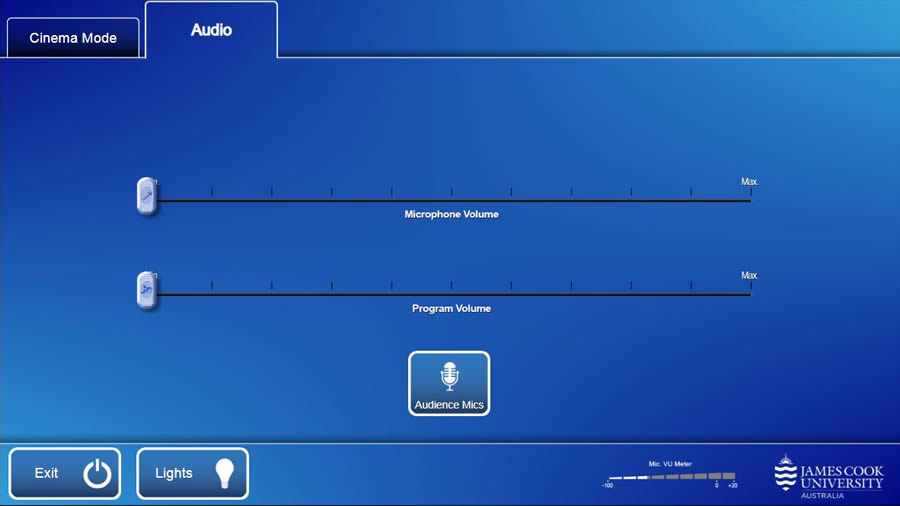
Volume Control
Touch the Audio tab to access the volume control in cinema mode.
- Microphone Volume - mute while screening.
- Audience Mics - mute while screening
- Program Volume - adjust the playback volume of the film.